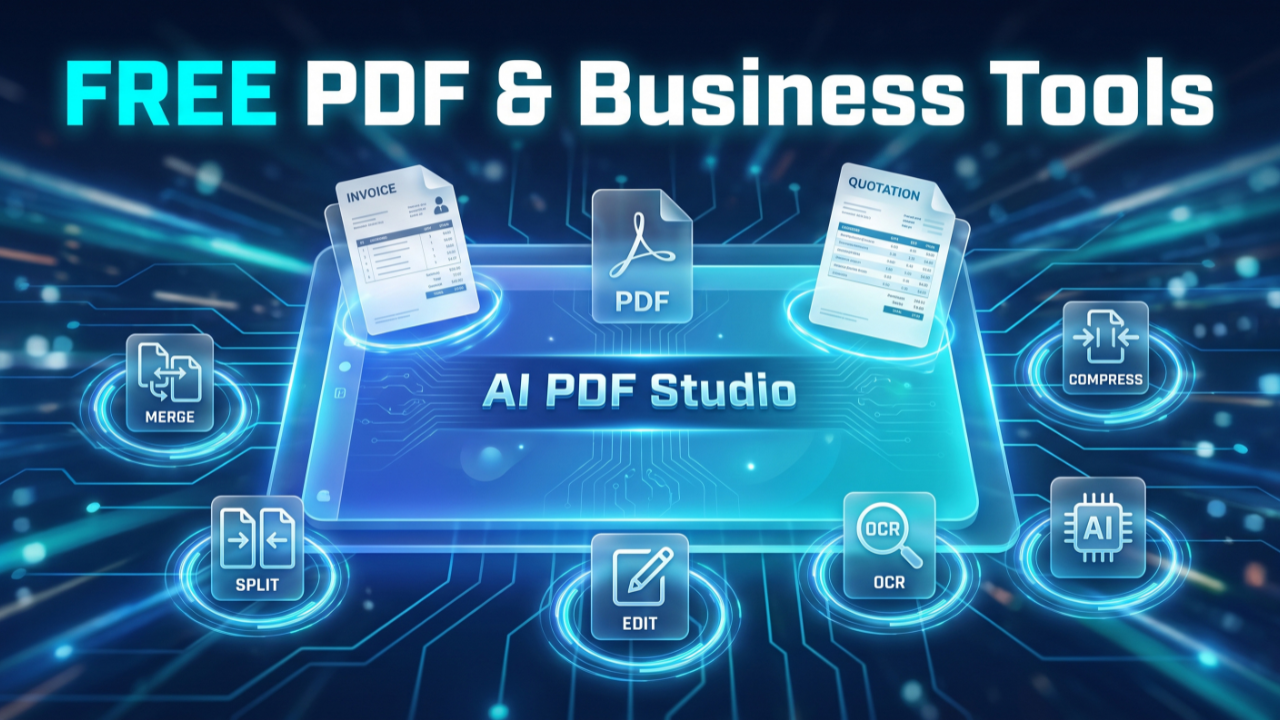
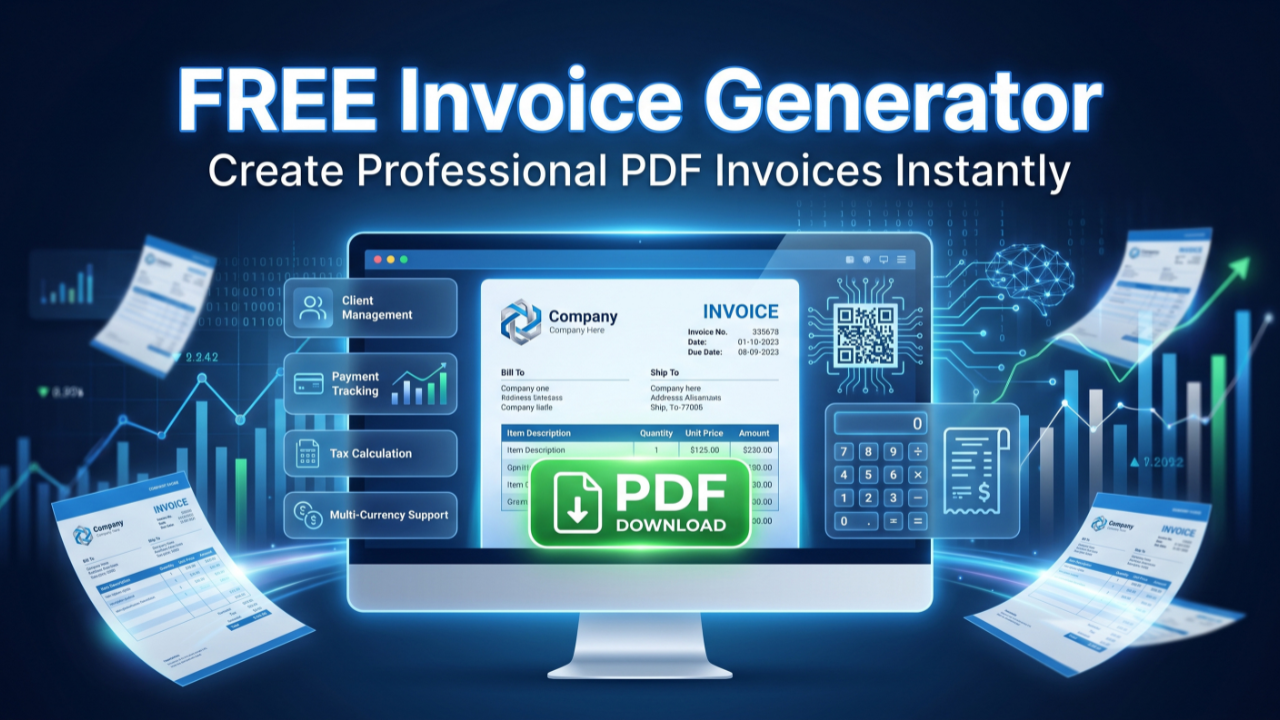
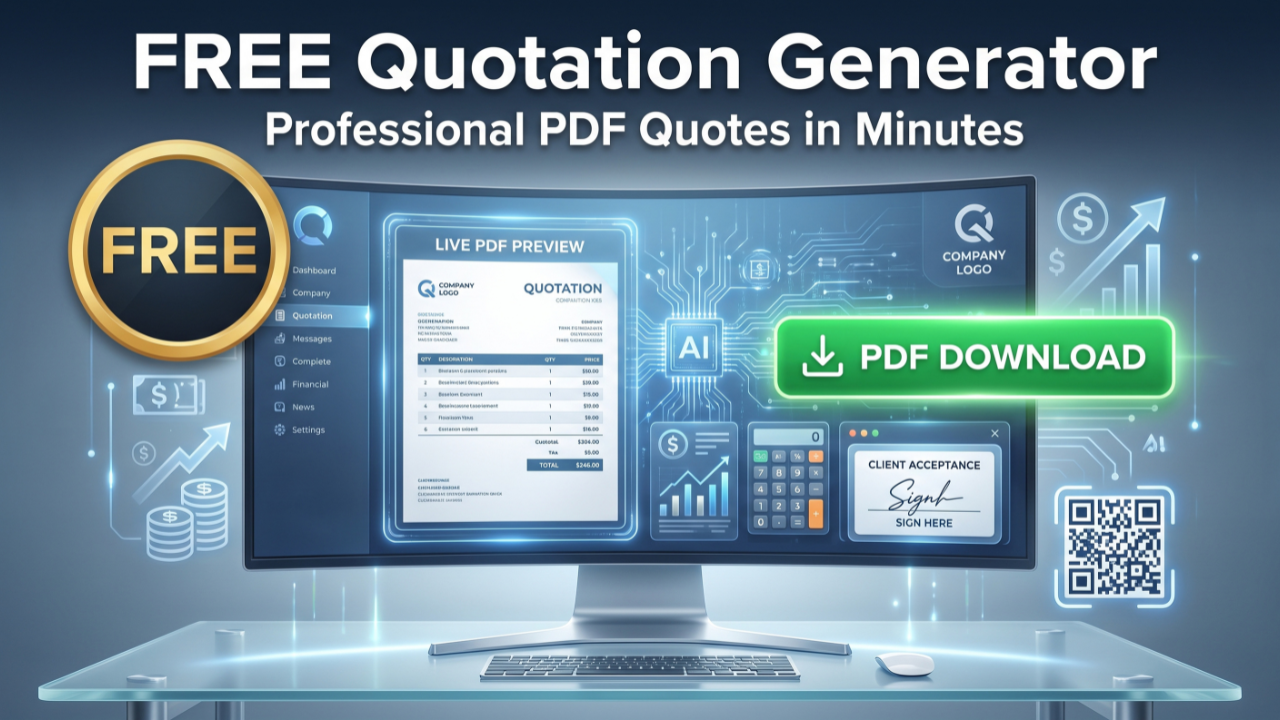
Merge, split, compress, convert, OCR, edit, sign and chat with your documents using AI. Everything runs inside your browser - your files never get uploaded.
Built for engineers, students and businesses who need fast, private, professional PDF tools.
AI PDF Studio is a complete PDF workspace that runs entirely inside your web browser. Instead of forcing you to upload sensitive documents to a remote server, wait in a queue and hope the files are deleted afterwards, every operation happens on your own device. Merging, splitting, compressing, converting, editing, signing and optical character recognition are all performed locally, which means your contracts, invoices, medical records and research papers never leave your computer. For anyone who handles confidential material, this privacy-first model is the single most important difference between AI PDF Studio and the typical online PDF website.
The studio brings 27 tools together under one roof, organized into clear categories: Organize, Optimize, Convert to PDF, Convert from PDF, Edit, Security and Intelligence. You can merge dozens of files into a single ordered document, pull individual pages out of a large report, shrink a scan-heavy file so it fits an email attachment limit, turn a folder of photos into a tidy PDF, or convert a PDF into an editable Word, Excel or PowerPoint file. Because everything lives in one interface, you no longer need to bounce between half a dozen single-purpose sites, each with its own adverts, file-size caps and upload waits.
Speed is a direct result of the local-first architecture. There is no round trip to a server, so the moment you drop a file into a tool it begins processing. Heavy engines such as the OCR model and the conversion libraries are loaded only when you actually open the tool that needs them, so the homepage stays light and fast even on a mobile connection. Once a library has loaded, the browser caches it, and subsequent operations are close to instant.
AI PDF Studio is also built to be embedded and deployed anywhere. The whole application is a single self-contained file with its styles safely scoped, so it slots into a WordPress page, an Elementor or Gutenberg block, or a standalone deployment on Cloudflare Pages, Vercel or Netlify without clashing with the surrounding theme. That makes it equally suitable for an individual who wants a private toolkit and for a business that wants to offer document tools to its own customers under its own brand.
Finally, the studio is genuinely free. There is no account to create, no watermark stamped across your output, no daily limit on the number of files and no paywall hiding the useful features behind a subscription. The tools you can see are the tools you can use.
Optical Character Recognition, or OCR, is the technology that turns a picture of text into text you can actually select, copy and search. A scanned page or a photograph of a document is, to a computer, just a grid of coloured pixels. There is no underlying text, which is why you cannot highlight a word on a scanned contract or run a search inside a photographed receipt. OCR analyses those pixels, recognizes the shapes of individual characters, groups them into words and lines, and reconstructs the original text.
The OCR tool in AI PDF Studio renders each page to a high-resolution image and feeds it to a recognition engine running in your browser. The engine first cleans up the image, detects the regions that contain text, and then classifies each glyph against a trained model of how letters and numbers look. Modern engines handle a surprising range of fonts, sizes and even slightly skewed or noisy scans. The result is a stream of recognized words, each with a position on the page and a confidence value that tells you how certain the engine is about that word.
Recognition accuracy depends heavily on choosing the right language, because each language model knows which characters and letter combinations are likely. AI PDF Studio supports more than a dozen languages, including English, Spanish, French, German, Italian, Portuguese, Arabic, Urdu, Hindi, Russian, Simplified Chinese, Japanese and Korean. After a page is processed, the tool reports an overall confidence score so you can judge the quality of the result at a glance; a clean, well-lit scan in the correct language will score highly, while a faint fax or a mixed-language page may score lower and benefit from a second pass.
Beyond extracting plain text, the OCR tool can produce a searchable PDF. This keeps the original page image exactly as it looks but adds an invisible text layer underneath, aligned to the words on the page. The document still looks identical, but now you can search it, select passages and copy quotes, which is invaluable for archiving paper records, making old reports accessible, or preparing scanned evidence for review.
The Intelligence tools turn AI PDF Studio from a converter into a document assistant. The flagship feature, Chat with PDF, lets you ask plain-language questions about a document and get answers grounded in the actual text, complete with the page numbers the answer came from. This is built on a retrieval-augmented generation, or RAG, pipeline that runs almost entirely on your device.
When you open a document, the studio splits it into overlapping passages and converts each passage into a numerical fingerprint called an embedding, using a compact MiniLM model that executes in your browser through Transformers.js and ONNX Runtime Web. Those embeddings are cached locally so re-opening the same file is instant. When you ask a question, your question is turned into an embedding too, and the studio compares it against every passage to find the handful that are most semantically relevant. Only those passages, not the entire document, are sent to the AI provider you choose, which keeps the request small, fast and focused.
Because the answer is generated from retrieved passages, the assistant cites the specific pages it used, so you can verify every claim against the source. The same engine powers focused modes for common tasks: summarizing a long report into key points, extracting the fields from an invoice, reviewing a contract for parties, obligations, payment terms and risky clauses, pulling tabular data into a clean structure, or translating content while keeping the meaning intact. You stay in control of cost and privacy because generation uses your own API key, and the indexing and search that surround it never leave your browser.
AI PDF Studio groups its 27 tools into seven clear categories so you can always find the right one quickly. Each tool is built to do one job well, and because they share the same interface you can move from one to the next without relearning anything.
The organizing tools handle the everyday shuffling of pages. Merge PDF combines any number of documents into a single ordered file, which is ideal for assembling reports, appendices or signed returns. Organize and Split lets you reorder, rotate, delete or extract individual pages and split one document into several by page range. Scan to PDF turns your phone or webcam into a document scanner, capturing pages straight into a clean PDF.
Optimization keeps files lean and readable. Compress PDF offers four levels, from a light touch that preserves quality to maximum compression for the smallest possible file, and reports the exact before and after sizes. Repair PDF rebuilds documents that will not open elsewhere, recovering as much as possible. OCR turns scans and photos into selectable, searchable text in more than a dozen languages.
Conversion works in both directions. You can turn Word, Excel, PowerPoint, JPG and HTML into PDF, and turn a PDF back into an editable Word document, an Excel spreadsheet, a PowerPoint deck, individual JPG images or an archival PDF/A file. This makes it easy to repurpose a finished document or to lift content out of a PDF you no longer have the source for.
The editing tools let you add text, shapes, images and freehand annotations, drop in page numbers and watermarks, crop margins and fill or create form fields. The security tools let you sign documents with a drawn or uploaded signature, permanently redact sensitive areas by flattening them out of the file, edit or wipe metadata and remove restrictions from documents you are allowed to open. Together they cover the full lifecycle of a professional document, from first draft to signed and sealed.
Most online PDF tools work by uploading your file to a server, processing it there and sending the result back. That model is convenient for the operator but it means your documents, which often contain names, financial figures, health information or trade secrets, travel across the internet and sit on someone else's computer, however briefly. AI PDF Studio takes the opposite approach. The application code runs in your browser, and your files are read directly from your device into the browser's own memory. They are never uploaded, never queued and never stored on a remote server.
This local-first design has practical benefits beyond privacy. There is no file-size cap imposed by an upload limit, no waiting in a processing queue and no dependence on a server staying online. It also makes the tool safe to use on confidential material in regulated settings, because the data simply never leaves the machine. The only feature that communicates with an outside service is the optional AI chat, and even then you stay in control: it uses an API key that you provide, it sends only the small, relevant passages needed to answer your question, and the indexing and search that surround it run entirely on your device. If you never use the AI chat, nothing ever leaves your browser at all.
For teams that want an extra layer of control, the studio is designed so that the AI step can be routed through your own server endpoint instead of calling a provider directly, keeping the provider key on the server and out of the browser. The document itself still never needs to be uploaded.
AI PDF Studio is a single self-contained HTML file, which makes it unusually flexible to deploy. On WordPress you can embed it through a shortcode, a dedicated Gutenberg block or an Elementor HTML or shortcode widget, and because all of its styles are namespaced it will not collide with your theme or other plugins. For maximum reliability on locked-down hosts, you can also embed it as an iframe pointing at the file.
Outside WordPress, the same file deploys directly to static hosts such as Cloudflare Pages, Vercel and Netlify. You simply upload it and it becomes a working application at your chosen URL, with no build step, no database and no server-side runtime to maintain. That makes hosting essentially free and effortless to scale, since a static file can be served from a content delivery network to any number of visitors at once.
The heavy processing libraries are loaded on demand from a content delivery network and cached by the browser, with automatic fallback to a second network if the first is unreachable, so the first paint stays fast and the tools remain available even if one provider has a hiccup. For an organization that wants a branded document workspace for staff or customers, this combination of privacy, zero server cost and simple embedding is hard to match.
Yes. Every tool in AI PDF Studio is free, with no account, sign-up or usage limits. The app loads in your browser and processes files on your own device, so there are no server costs to pass on to you.
No. Merging, splitting, compressing, OCR, conversion, editing and signing all run locally in your browser. Your files never leave your device. The only exception is the optional AI chat, which sends document text to the AI provider you choose using your own API key.
AI PDF Studio includes 27 tools across organizing (merge, split, organize, scan), optimizing (compress, repair, OCR), converting to and from PDF (Word, Excel, PowerPoint, JPG, HTML, PDF/A), editing (editor, page numbers, watermark, crop, forms), security (sign, redact, metadata, unlock) and intelligence (Chat with PDF, compare, workflow builder, AI assistant).
When you open a PDF in the Chat with PDF tool, the text is split into passages and converted into vector embeddings using a MiniLM model that runs entirely in your browser. Your question is matched against those passages with semantic search, and the most relevant ones are sent to your chosen AI provider to produce an answer with page citations.
OCR recognizes text in more than a dozen languages, including English, Spanish, French, German, Italian, Portuguese, Arabic, Urdu, Hindi, Russian, Simplified Chinese, Japanese and Korean. You can also export a searchable PDF with an invisible text layer.
Yes. The whole studio is a single self-contained file. You can drop it into a WordPress shortcode or a Gutenberg or Elementor HTML block, embed it as an iframe, or deploy it directly to Cloudflare Pages, Vercel or Netlify as a standalone page.